
Social media has become a part of daily life in our country. In fact, Statista reported approximately 223 million social media users in 2020.
So, it’s no wonder that most businesses have jumped on the social media bandwagon with professional profiles – constantly seeking to engage potential buyers.
With businesses utilizing social media platforms now more than ever, it’s important to stay on top of the ever-changing formatting and layout specifications for each platform.
Having a pixelated or ill-fitting graphic on your business Facebook or LinkedIn page can be a turn off to users looking for clear messaging.
Since first impressions are everything, it’s critical that social media graphics align with brand guidelines and are correctly sized for the given platform.
READ: Why Your Brand Needs a Style Guide
Social Media Today recently shared Hootsuite’s latest infographic for the most up-to-date social media images sizes.

Keep this graphic handy for all your sizing questions! Another great resource for creating and sizing graphics is Canva.
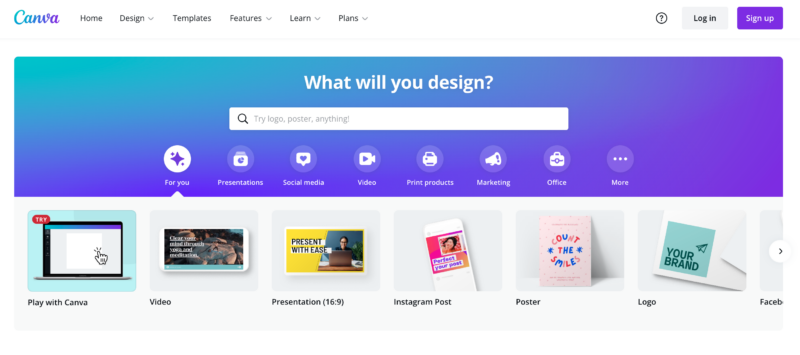
Canva is a free online design tool that allows you to create your own social media graphics or choose from thousands of pre-designed templates. Canva will even resize your design to fit multiple platforms, so you don’t have to worry about that part.
And while you’re designing, keep this year’s Shutterstock Color Trends Report in mind. According to Shutterstock experts, these colors will dominate the design world in the coming months.
Happy designing!
